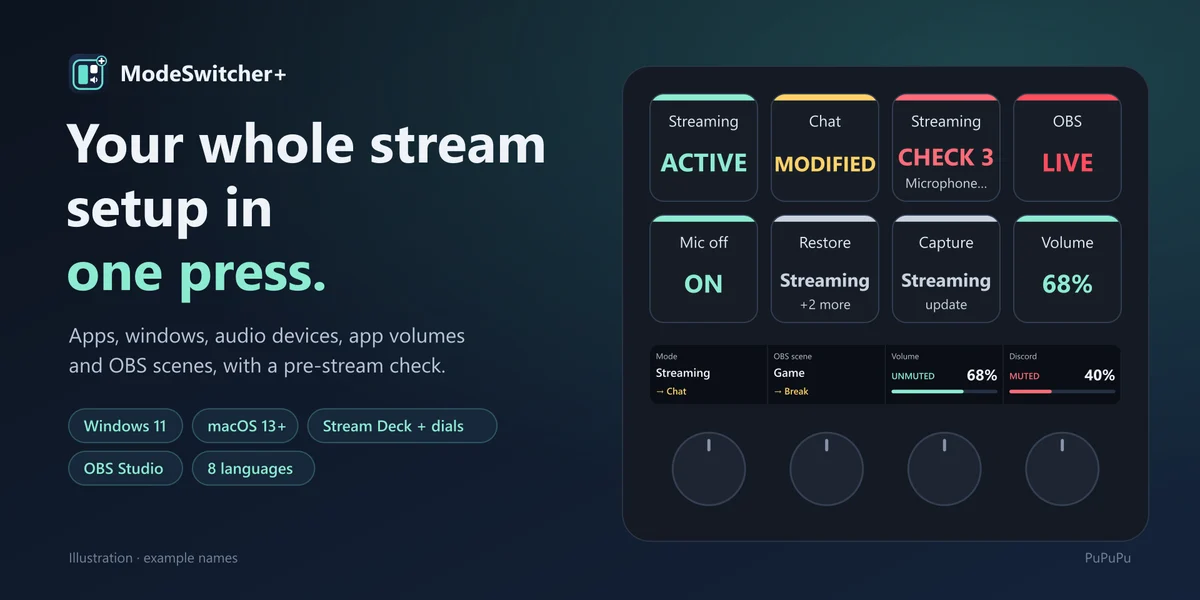
ModeSwitcher+
STREAM SETUP FOR STREAM DECK

Your whole setup,
one press.

Opening apps, arranging windows, fixing the audio output…
Save it all as a Mode and bring it back with one key.

Download ↓Setup guide ↗

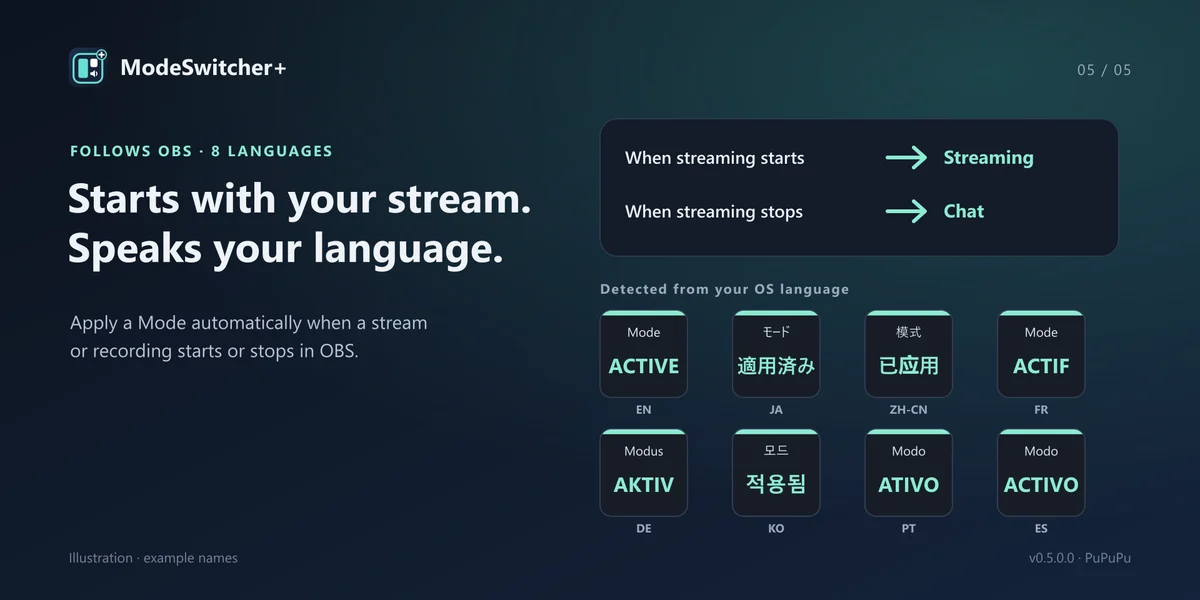
WINDOWS 11 + MACOS 13 · v0.5.0.0 · 8 LANGUAGES

ModeSwitcher+ keys
01 / MODES02 / PRE-STREAM CHECK03 / OBS
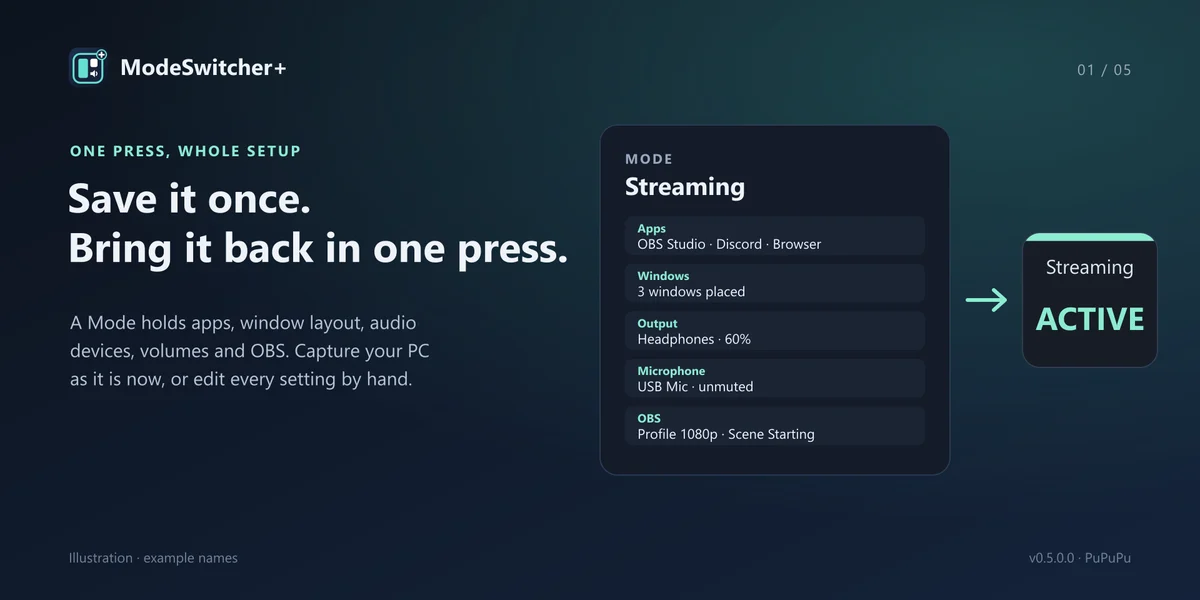
WHAT A MODE HOLDS

Save it. Call it back.

Capture your PC as it is now, or edit every setting by hand.

AppsLaunch, window position and size, several windows of one app
AudioDefault speaker and microphone, communications device (Windows), volume and mute
Per-app volumeVolume and mute of games, chat and music (Windows)
OBSProfile, scene collection and scene. Launches OBS if it is closed
FEATURES

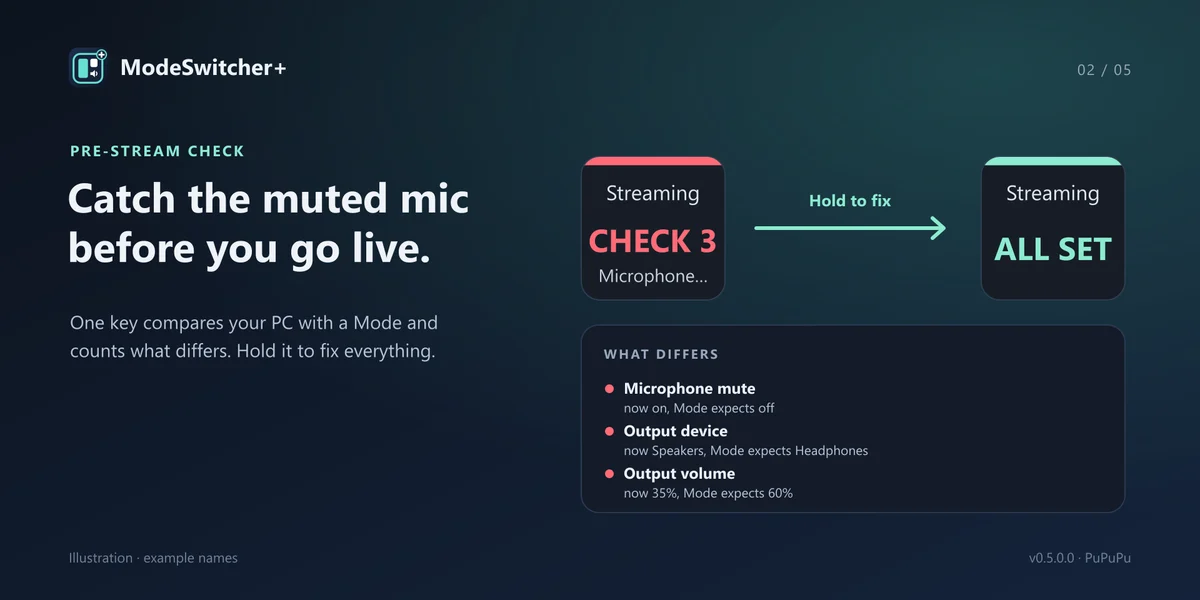
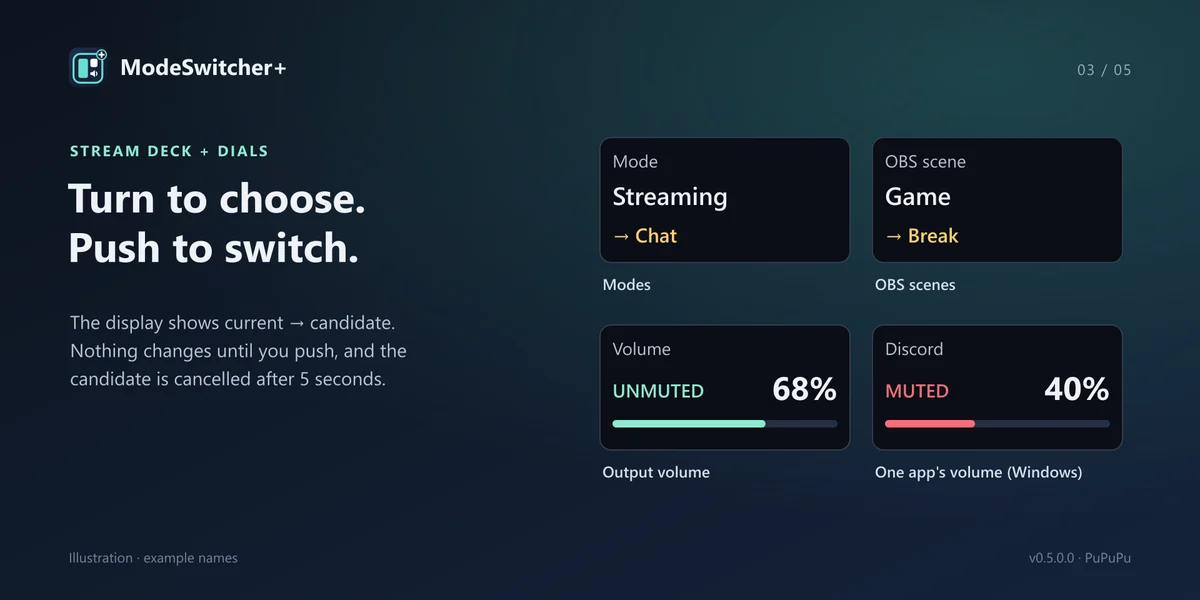
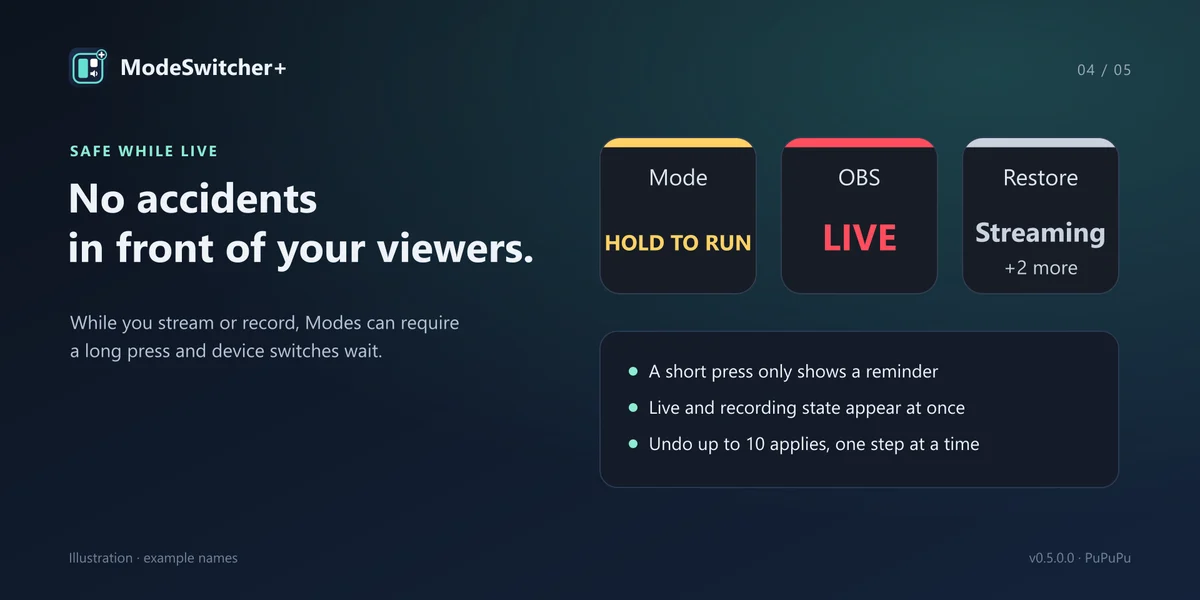
Before the stream, and during it.

GET STARTED

Less setup time,
more stream time.

Get it on the Elgato Marketplace ↗

v0.5.0.0 · Free
Windows 11 · macOS 13+
Stream Deck 7.1+
Dials need Stream Deck +.

Start in 3 steps

  1. Install it from the Elgato Marketplace.
  2. Put "Apply Mode" on a key.
  3. Press "Create a Mode from current settings".
Full setup guide ↗

Available features depend on your OS and devices.